Chat with us
AI Automation

Automate the Work That Shouldn't Need Your Attention.

Sharp Rays helps businesses design AI-powered workflows that reduce repetitive work, connect systems and keep important processes moving.

From lead qualification and CRM workflows to customer support, reporting, follow-ups and internal operations, we identify where automation can remove friction without removing the human judgement that matters.

Less manual repetition.
More time for useful work.
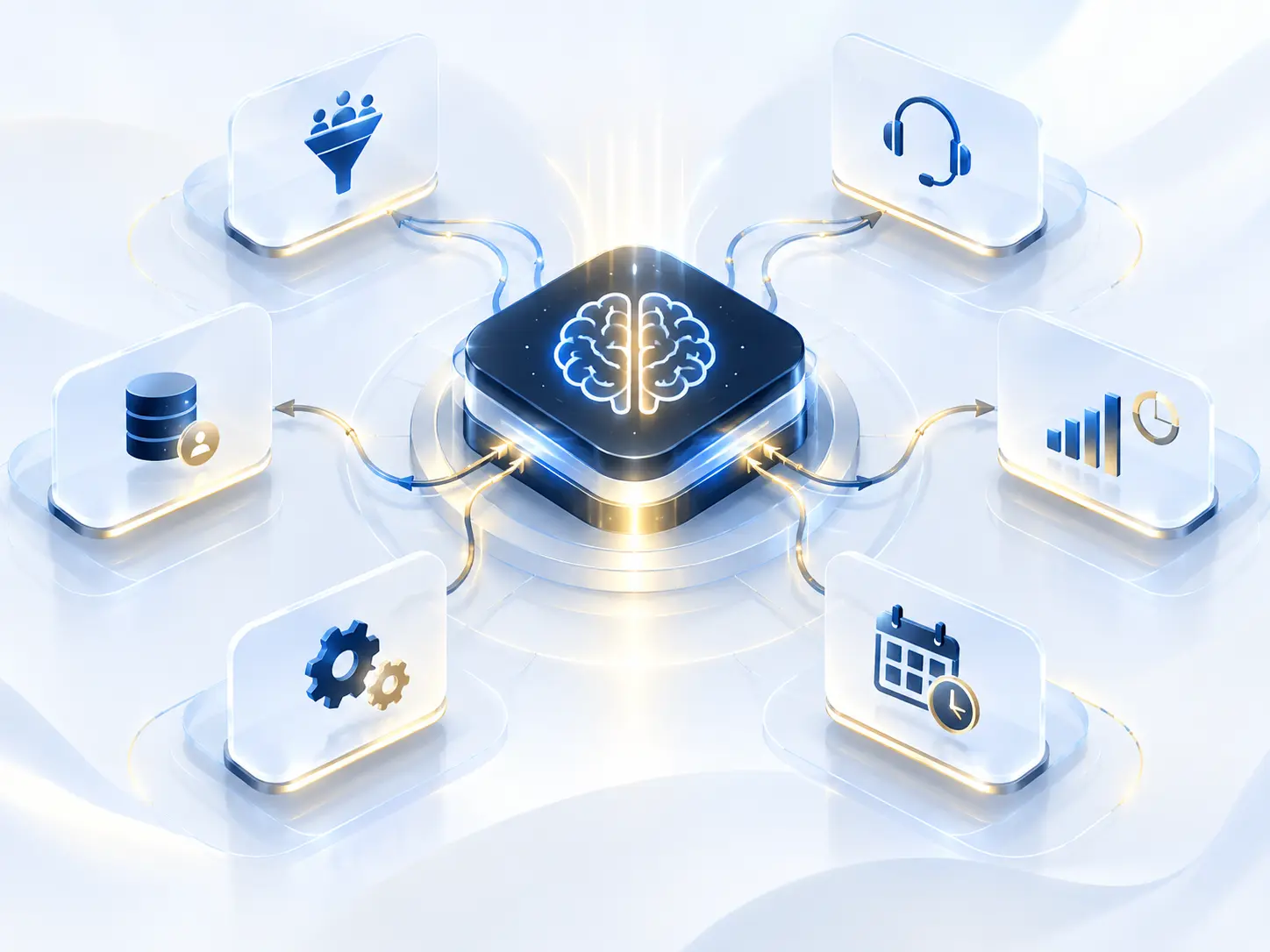
AI automation connecting business systems, customer support, leads, scheduling and reporting
CONNECTED SYSTEMS
LESS FRICTION
AI Automation Explained

What Is
AI Automation?

AI automation uses artificial intelligence and workflow technology to complete, support or coordinate repetitive business processes with less manual intervention.

Unlike basic automation that follows fixed rules, AI-enabled workflows can interpret information, classify requests, generate responses, summarize data, route tasks and support decisions within defined boundaries.

AIAutomation

Lead qualification

Customer enquiries

Document processing

CRM updates

Task routing

Reporting

The Problem

Your Team May Be Doing Work Your Systems Could Handle.

Many businesses do not have a productivity problem. They have a process problem.

Professional managing repetitive work with AI automation
TOO MUCH MANUAL WORK

New Enquiry

Read and qualify manually

Website Form

Review every submission

Update Spreadsheet

Manually add information

Internal Request

Pending response

Create Report

Collect and organize data first

Find Information

Search across multiple tools

AI Automation
WORK YOUR SYSTEMS CAN HELP MOVE

Qualify & Route Leads

Move enquiries to the right place

Answer Common Questions

Handle routine enquiries faster

Update Your CRM

Keep records synchronized

Send Follow-Ups

Keep communication moving

Generate Reports

Turn data into useful summaries

Assign Tasks Automatically

Route work when conditions are met

From manual work to meaningful progress.

THE REAL PROBLEM

The work is moving.

But too much of the movement still depends on people pushing it manually.

AI Automates

Handles the repetitive

Information movement.
Classification.
Data extraction.
Notifications.
Routine responses.
Scheduling.
System updates.
Laptop workspace representing balance between AI automation and human judgement

Human Focuses

Brings judgement and context

Strategy.
Judgement.
Sensitive conversations.
Complex decisions.
Creative thinking.
Approvals.
Exceptions.
Relationship building.
The Principle

Good Automation Does Not Remove People From the Business.

It Removes Unnecessary Work From Their Day.

How a Smart Workflow Works

From Trigger to Completed Action.

A useful automation should make the process easier to understand, not more complicated.

TRIGGER

Something Happens

A form is submitted.
A customer sends a message.
A document arrives.
A CRM record changes.
A deadline approaches.
UNDERSTAND

Interpret What Happened

The workflow identifies relevant information and determines what type of request, task or event occurred.

DECIDE

Apply the Right Logic

Rules, business context or AI classification determine what should happen next.

ACT

Move the Process Forward

The system sends, updates, creates, records, assigns or generates the required action.

REVIEW

Bring in a Human When Needed

High-value, sensitive or uncertain situations can be routed to the right person.

LEARN

See Where the Process Can Improve

Workflow performance and exceptions reveal opportunities for refinement.

THE REAL GOAL

Don’t Automate Tasks in Isolation.

Build a Better Flow of Work.

AI Automation Services

Connect the Work That Happens Between Your Systems.

AI automation can support different parts of a business depending on where repetitive work, delays or disconnected information exist.

01

Workflow Automation

Turn repetitive processes into repeatable systems.

02

AI Agent Development

Give specific jobs to purpose-built AI workflows.

03

Lead Qualification Automation

Respond faster without treating every lead the same.

New Lead
Qualified
Assigned
04

CRM Automation

Keep customer information moving without constant manual updates.

New Lead
Update Contact
Move to Pipeline
Create Task
05

Sales Automation

Reduce the admin around selling.

New Lead
Follow Up
Meeting
Proposal
06

Customer Support Automation

Handle routine requests without making support feel robotic.

How can we help you?
Instant answer from your knowledge base.
07

Marketing Automation

Connect interest with the right next step.

1Capture
2Segment
3Nurture
4Convert
08

Email Automation

Make routine communication more reliable.

09

Document Processing Automation

Turn incoming documents into usable information.

PDF
Invoice
Form
10

Reporting & Data Automation

Spend less time building the report.

Weekly Report
11

Internal Knowledge Automation

Help teams find what the business already knows.

Find information...
Policies
Procedures
Meeting notes
Resources
12
The Bigger Picture

A More
Connected
Business.

Connect systems, information and workflows so work moves with less manual coordination.

Let's Talk
The Real Goal

Work Smarter. Move Faster.

When your systems, information and people work together, your business stays organized and creates more time for the work that actually matters.

Talk About Automation
Where Automation Can Help

Different Teams. Different Bottlenecks.

Instead of starting with technology, start with where time is being lost.

AI AUTOMATION

Turn Repetitive Work Into Real Progress.

01

Sales

Lead qualification.
CRM updates.
Follow-ups.
Meeting preparation.
Pipeline alerts.
02

Marketing

Lead capture.
Campaign workflows.
Content movement.
Reporting.
Audience updates.
03

Customer Support

Request classification.
Suggested responses.
Ticket routing.
Knowledge retrieval.
Conversation summaries.
04

Operations

Task routing.
Approvals.
Recurring workflows.
Document handling.
System notifications.
05

Leadership

Automated summaries.
Performance reports.
Exception alerts.
Decision-support information.
06

Internal Teams

Knowledge retrieval.
Meeting notes.
Recurring administration.
Workflow coordination.
Documentation support.
THE QUESTION

Where Does Your Team
Repeat the Same Process Every Day?

Identify the repetitive work, remove the manual effort and give your team more time for what actually moves the business forward.

The Workflow Shift

Same Business. Less Manual Friction.

Turn Enquiries Into Progress — Automatically.

Before

A slower, manual process

Lead arrives.
Someone opens the email.
Copies information.
Checks the CRM.
Creates a contact.
Reads the enquiry.
Decides who should handle it.
Forwards the message.
Creates a reminder.
Waits for somebody to respond.

After

An automated, connected process

Lead arrives.
Information captured
Request classified
CRM updated
Owner assigned
Appropriate acknowledgement sent
Follow-up task created
Human notified when action is required
The Difference

People Stay in Control.

The Process Stops Waiting for Them to Move Every Step.

Our Approach

Map. Simplify. Connect. Automate. Improve.

We do not begin by asking which AI tool should be installed.

We begin by understanding how the work currently happens.

MAP

See the Current Process

Document the people, systems, triggers, decisions and handoffs involved.

Focus:Tasks · Systems · Bottlenecks
SIMPLIFY

Remove What Doesn’t Need to Exist

A bad process should not be automated before it is improved.

Focus:Friction · Duplication · Clarity
DESIGN

Decide What Should Happen

Define triggers, logic, actions, exceptions and human checkpoints.

Focus:Rules · Decisions · Outcomes
CONNECT

Bring the Systems Together

Create the required integrations and data flow.

Focus:CRM · APIs · Forms · Tools
AUTOMATE

Put the Workflow Into Motion

Build and configure the agreed automation.

Focus:Triggers · AI · Actions
TEST

See What Happens When Real Inputs Arrive

Test expected scenarios, edge cases and failure states.

Focus:Accuracy · Reliability · Exceptions
IMPROVE

Refine Using Real Use

Review performance, failures and workflow changes over time.

Focus:Efficiency · Quality · Scale
MAP · CONNECT · AUTOMATE · REVIEW · IMPROVE
Control Matters

Automation Should Know When to Stop.

Some workflows can operate automatically from beginning to end. Others should pause before an important action.

That is why we design human checkpoints where appropriate.

Human Oversight Console

Automation Moves.
People Decide.

01 · AUTOMATE

Standard workflow runs.

02 · CHECK

Does this need judgement?

HUMAN CHECKPOINT

Pause Before Action.

The workflow waits for review when confidence, sensitivity or commercial importance requires human judgement.

04 · CONTINUE

Approved action moves forward.

AUTOMATE · CHECK · REVIEW · CONTINUE
Where Humans Step In

Five Control Points.

Review Before Sending

A person approves generated customer communication.

Review Before Updating

Sensitive records require confirmation before changes are made.

Escalate Low Confidence

Unclear requests move to a person rather than forcing an automated answer.

Approve High-Value Actions

Financial, contractual or commercially sensitive decisions remain controlled.

Handle Exceptions

Automation follows the standard path. People handle the unusual situations.

Automation handles the standard path. Human judgement remains available for sensitive, uncertain or unusual situations.

The Principle

Autonomy Should Match the Risk of the Task.

Lower Risk

More autonomy

Higher Risk

More human control

AUTOMATEREVIEWAPPROVE
AI Automation Pricing

Start With One Workflow. Build From There.

Clear project-based pricing for businesses that want to reduce repetitive work, connect systems and build smarter operational workflows.

Starter

Focused Automation

Automate One Repetitive Process Properly.

For businesses that have one clear manual process they want to simplify, connect or automate.

Project Scope1 Focused Automation Workflow

What's Included

Up to 2 Connected Tools
Basic Triggers & Conditions
Email / Notification Automation
Data Transfer Between Systems
Basic CRM / Spreadsheet Automation
Testing & Launch
Basic Workflow Documentation
1 Revision Round
14 Days Post-Launch Support

Best For

Startups and small businesses automating their first repetitive workflow.

Most Popular

Growth

Connected Automation

Connect Multiple Steps Into One Smarter Workflow.

For growing businesses that need several systems, actions or follow-ups working together automatically.

Project ScopeUp to 3 Connected Workflows

What's Included

Up to 4 Standard Tool Integrations
Multi-Step Conditional Logic
Lead Qualification Automation
CRM Updates & Lead Routing
Automated Follow-Up Sequences
Email / Marketing Automation
Webhook / API Integration Where Required
AI Classification or Summarization
Internal Alerts & Notifications
Error Alerts & Fallback Paths
2 Revision Rounds
30 Days Post-Launch Support

Best For

Growing businesses connecting leads, CRM, communication and internal processes.

Scale

Advanced Automation

Build a More Connected Automation System.

For businesses that need automation across several processes, systems or operational teams.

Project ScopeUp to 5 Connected Workflows

What's Included

Multi-System Automation
Advanced Conditional Routing
Advanced API / Webhook Connections
Document Processing Automation
Reporting & Data Automation
Customer Support Automation
Advanced Lead & Sales Automation
AI-Assisted Decision Steps
Human-in-the-Loop Controls
Data Synchronization
Workflow Monitoring Setup
Detailed Documentation
3 Revision Rounds
60 Days Post-Launch Support

Best For

Businesses building a broader automation system across multiple processes and teams.

Need Something More Advanced?

Custom AI Agents & Automation Systems.

AI agents, internal knowledge systems, voice automation, high-volume workflows and complex integrations require a tailored architecture and project scope.

Custom AI AgentsKnowledge / RAGVoice AIWhatsApp AIMulti-Agent SystemsCustom APIs

Project Pricing

Custom Quote

Request an Automation Proposal

Optional Ongoing Support

Automation Care

Monitoring, error checks, minor workflow adjustments, dependency checks and basic ongoing optimization after the included support period.

Starting From

₹4,999/ month

Pricing Depends On

Workflow complexity, number of systems, integrations, AI requirements, conditional logic, data volume and approval requirements.

Third-Party Costs

Automation platforms, AI model usage, APIs, WhatsApp charges, premium tools and other external software costs are separate unless specifically included in your proposal.

Connect · Automate · Review · Improve
AI Automation FAQs

Questions Before We Automate?

Straightforward answers about AI automation, workflows, integrations, security, implementation and where human judgement still matters.

Select a question to reveal the answer

AI automation combines artificial intelligence with workflow automation to help complete or coordinate business tasks with less manual intervention.

It can be used to interpret information, classify requests, generate or summarize content, update systems and trigger actions within defined workflows.

AI Automation · Sharp Rays
STILL HAVE A QUESTION?

Talk through the workflow before you automate it.

Talk to Sharp Rays
Your Next Move

Stop Spending Human Time on Machine Work.

Your team should not need to repeat the same process hundreds of times simply because the systems around them are disconnected.

Let’s identify where automation can remove friction, improve response times and give people more room for work that actually needs them.